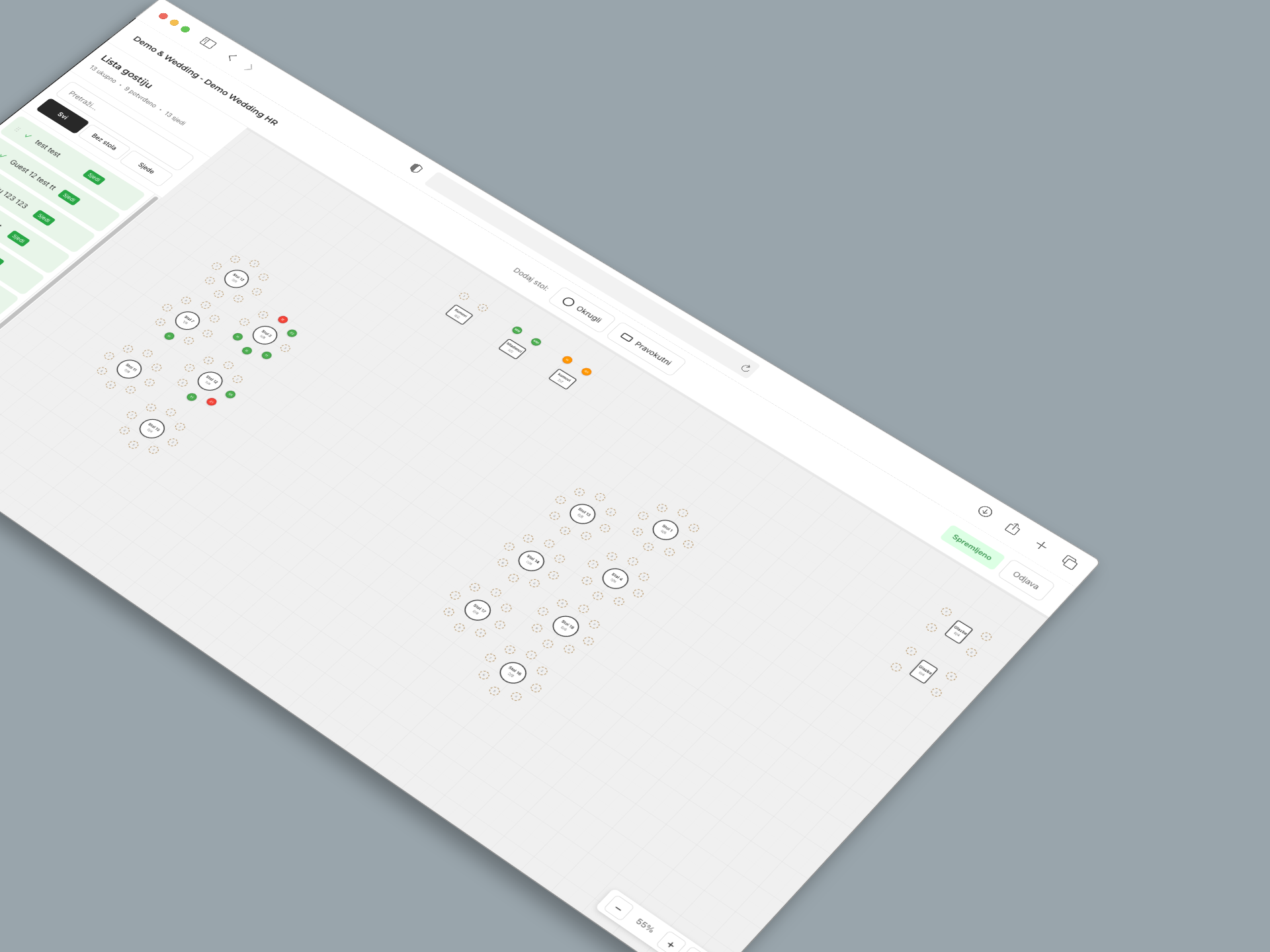
Organize guest seating without stress
Visual seating planner for your wedding. Drag and drop guests onto tables — no spreadsheets, no chaos.
Everything you need for the perfect arrangement
Intuitive interface that makes seating planning simple and fun
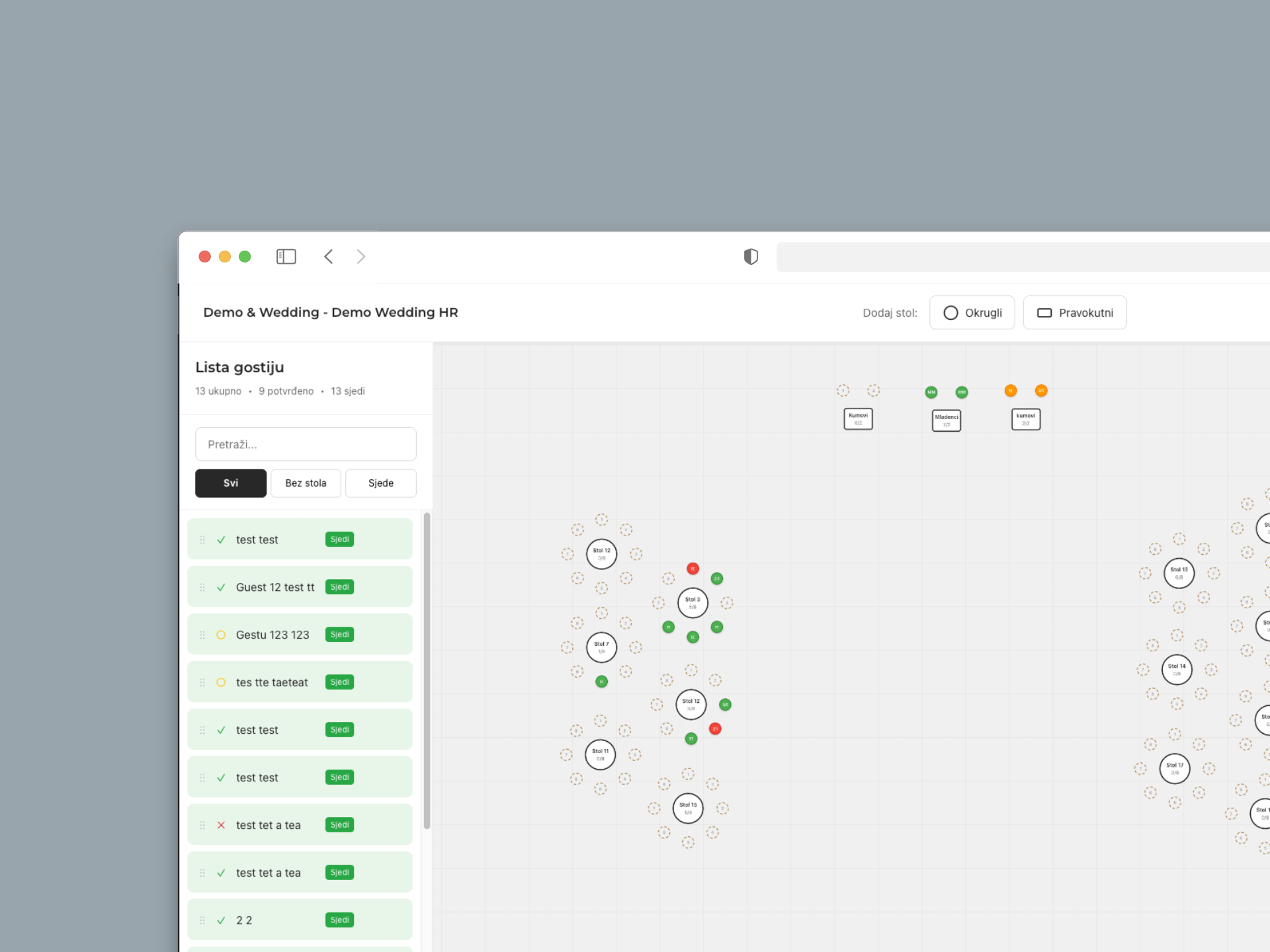
Guest list overview
Manage all guests in one place. Track RSVP status and search easily.
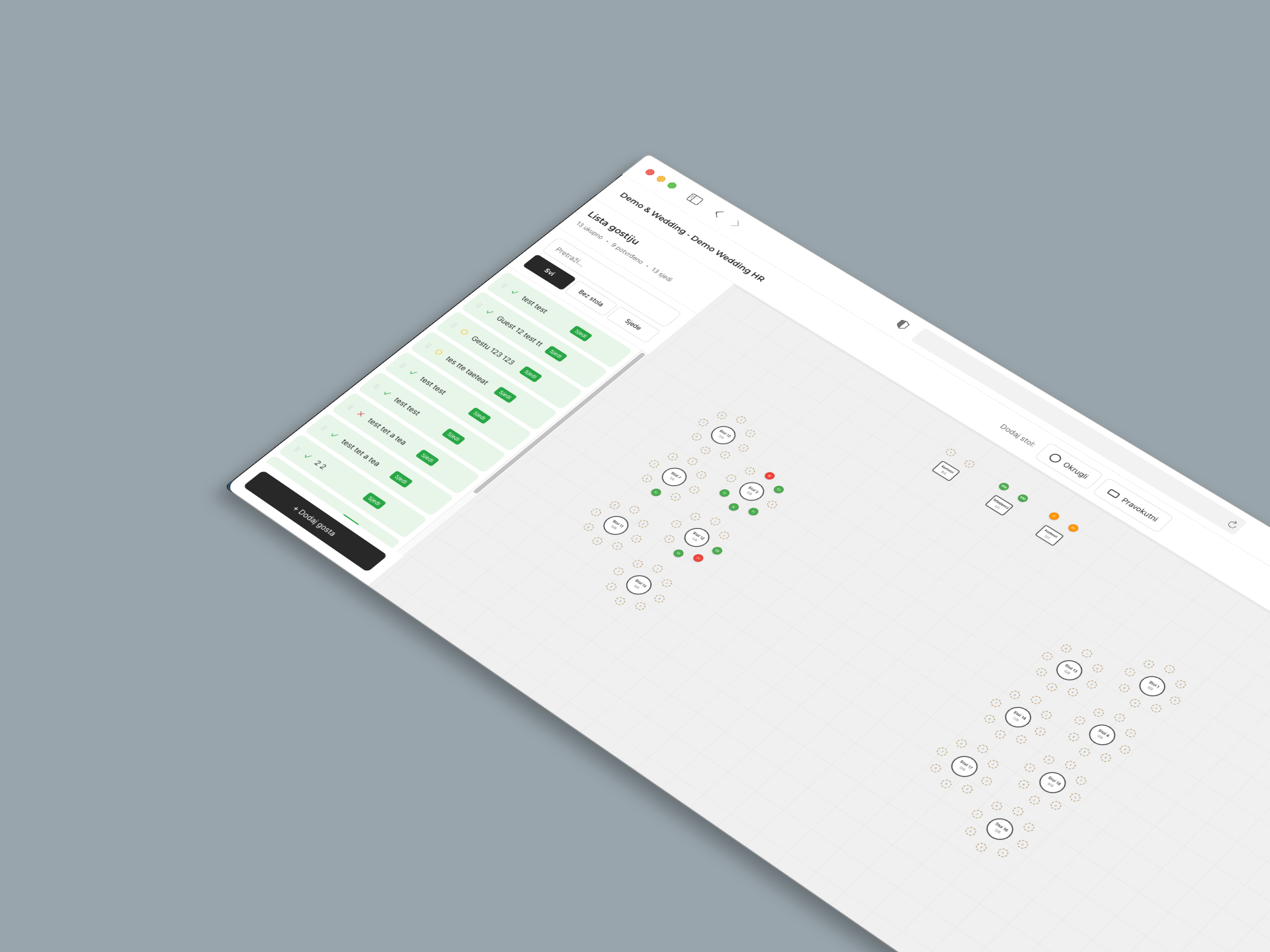
Visual table layout
Drag and drop tables anywhere on the plan. Round, rectangular — you choose the shape and layout.
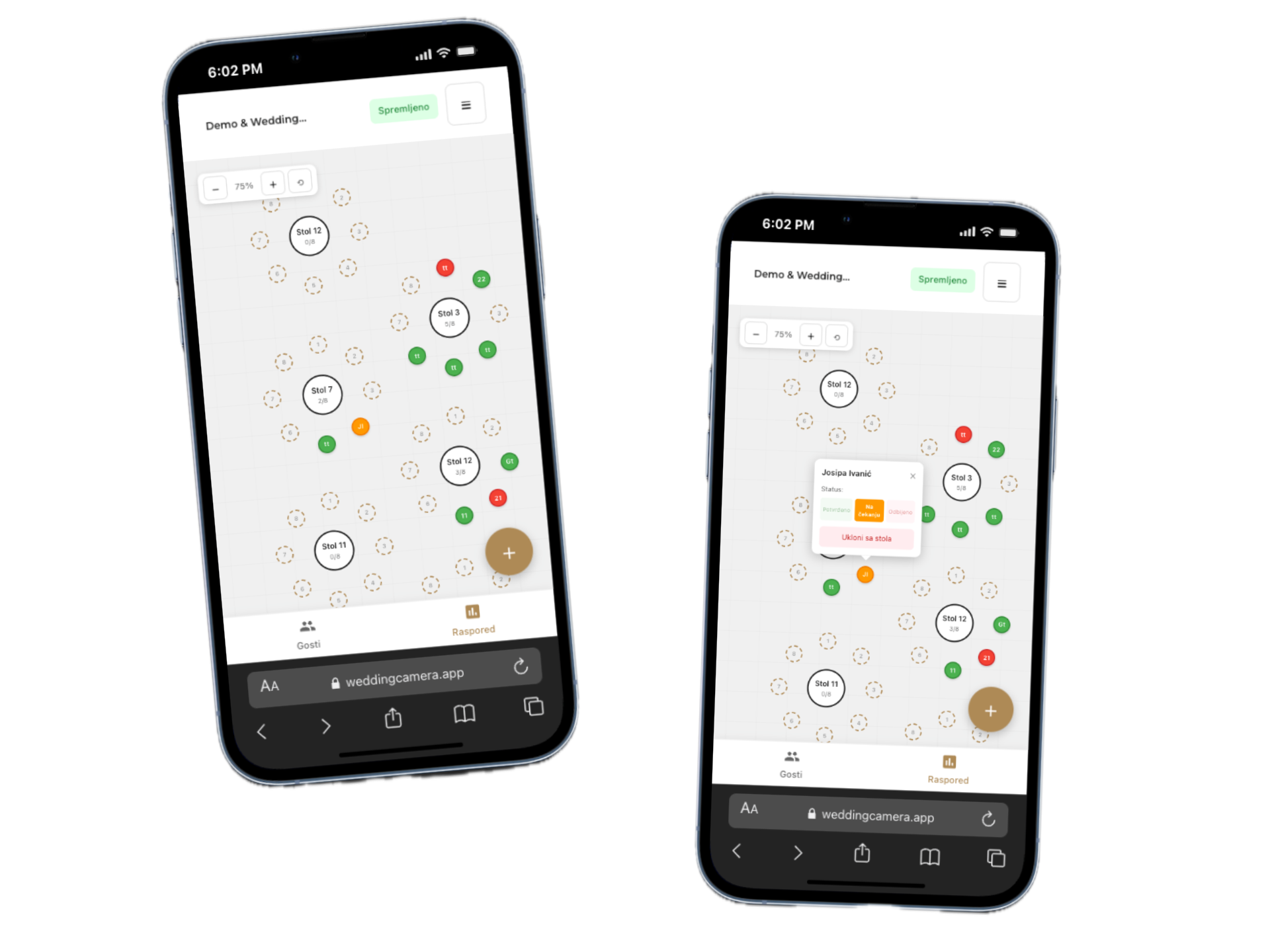
Mobile access
Plan on your phone too. Fully responsive design optimized for on-the-go.
Easy assignment
Drag a guest onto a seat and done. Guest status updates automatically in real-time.
How does it work?
Three simple steps to the perfect seating arrangement
Log in
Enter the PIN you received when purchasing or try the demo version with predefined data.
Add tables
Create your space layout — round tables, rectangular, or any combination that works for you.
Arrange guests
Drag guests to desired seats. Track who sits where and how many spots remain at each table.
Frequently Asked Questions
Everything you need to know about the Wedding Planner app
How do I add a new table?
Can I change the layout after I've created it?
Does the app work on mobile?
How do I assign guests to a table?
Have another question?